 Devquali Labs
 Available
Budget Control
50/30/20
Know how much to spend in each area and build the habit of saving and investing.
Organizing your finances doesn't have to be complicated. With the 50/30/20 method, you enter your income and the app instantly shows how much to spend on essentials, how much to enjoy, and how much to save and invest — no spreadsheets, no confusing screens.
4.2
Play Store rating
- Android
- iPhone (web)
SCREENS
Inside the app
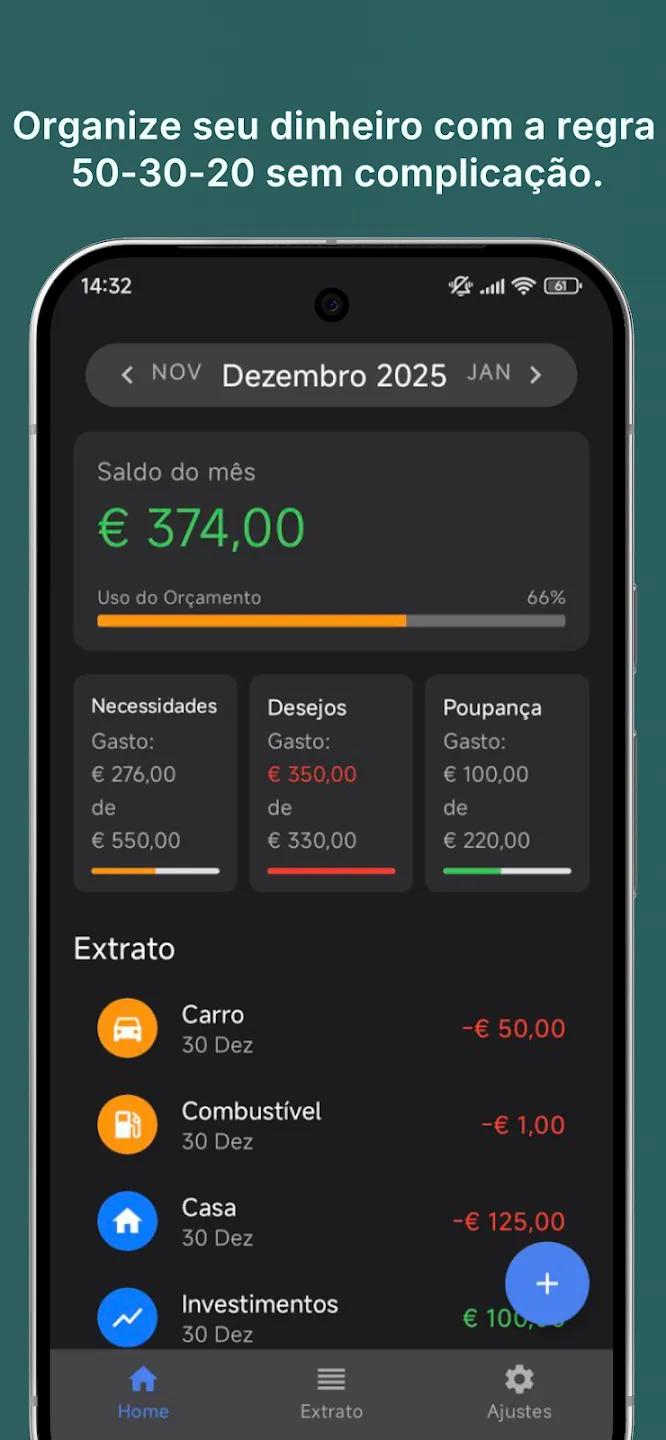
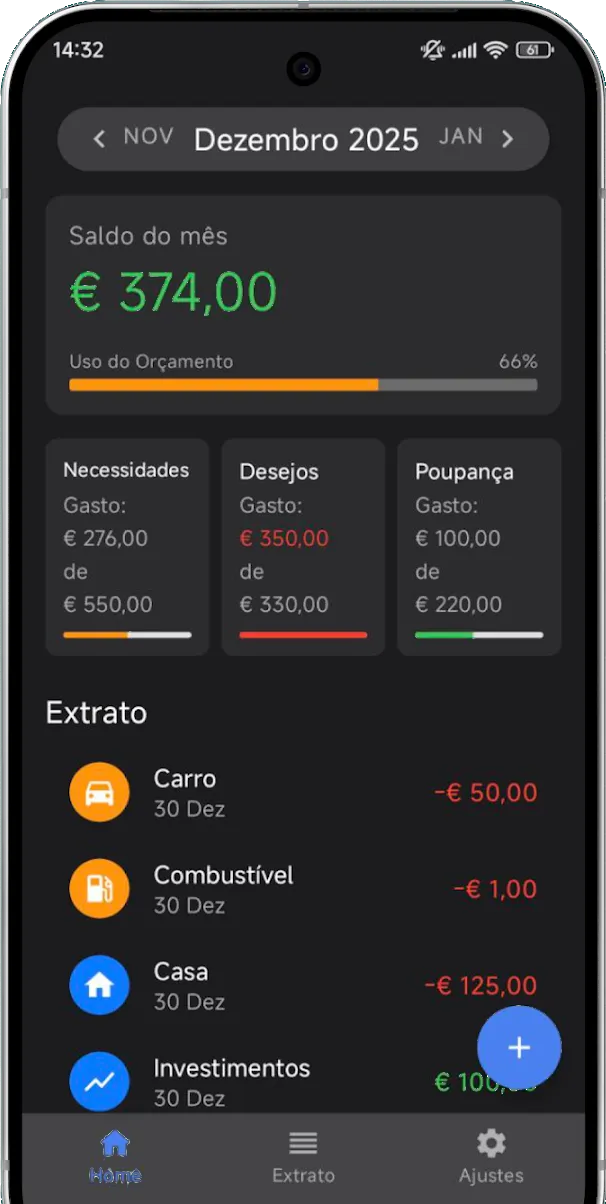
01Your income split into 3 clear limits 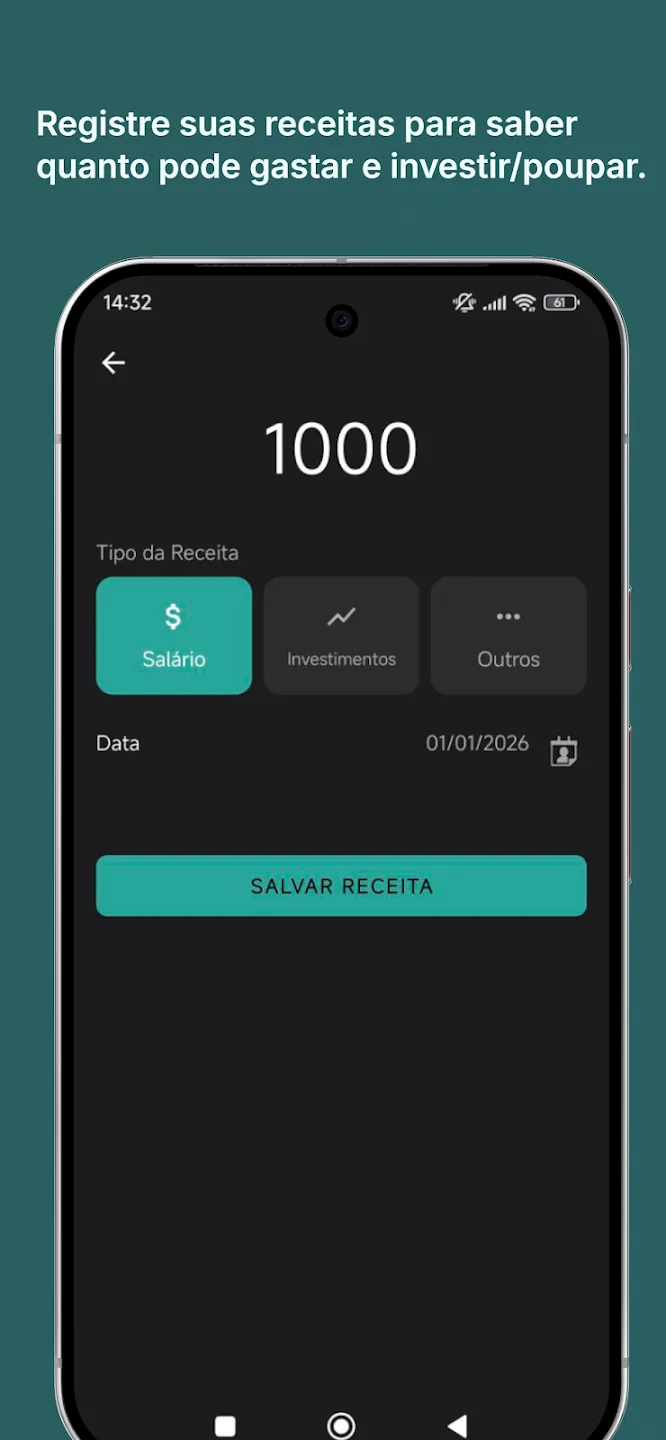
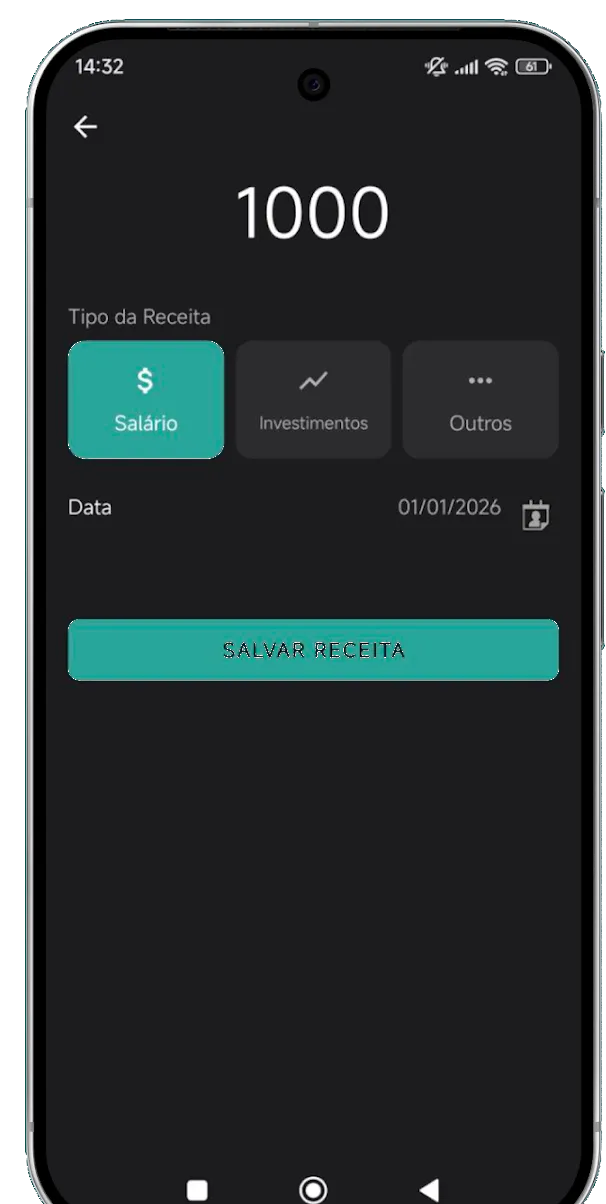
02Log your income to know how much you can spend and invest/save 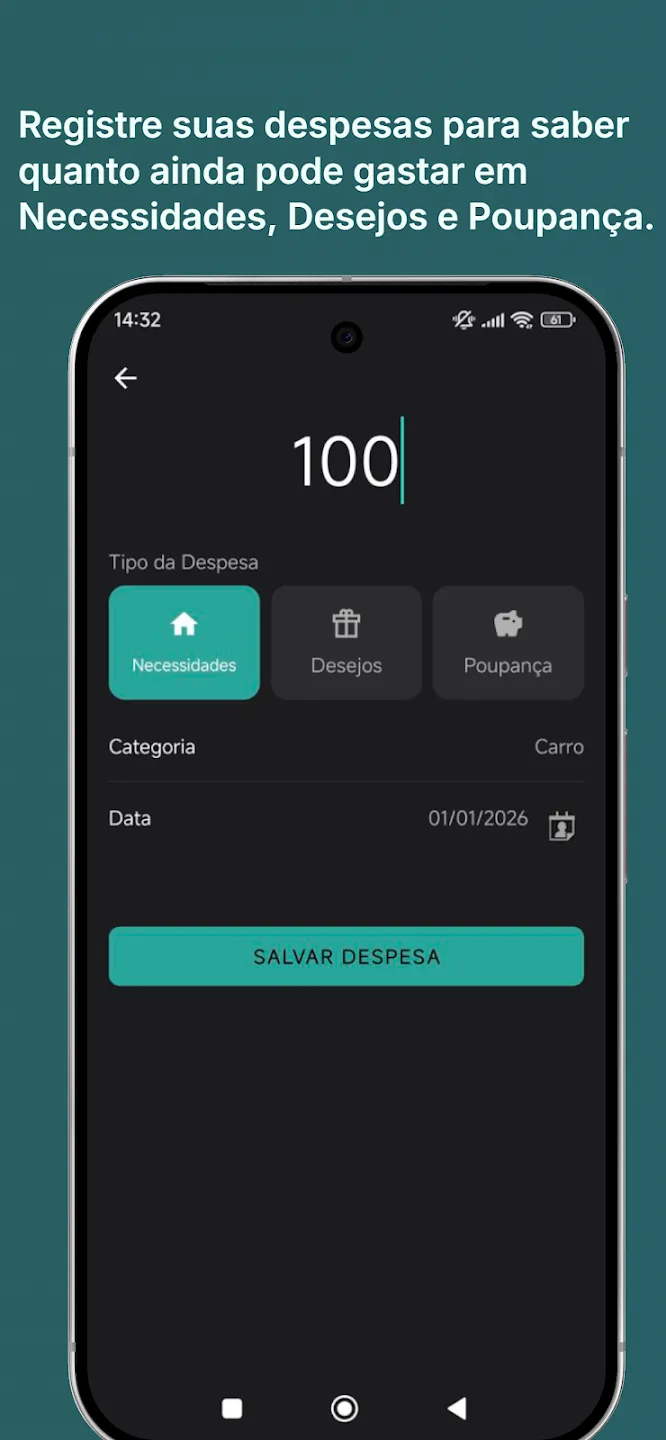
03Log your expenses to know how much you can still spend on Needs, Wants, and Savings 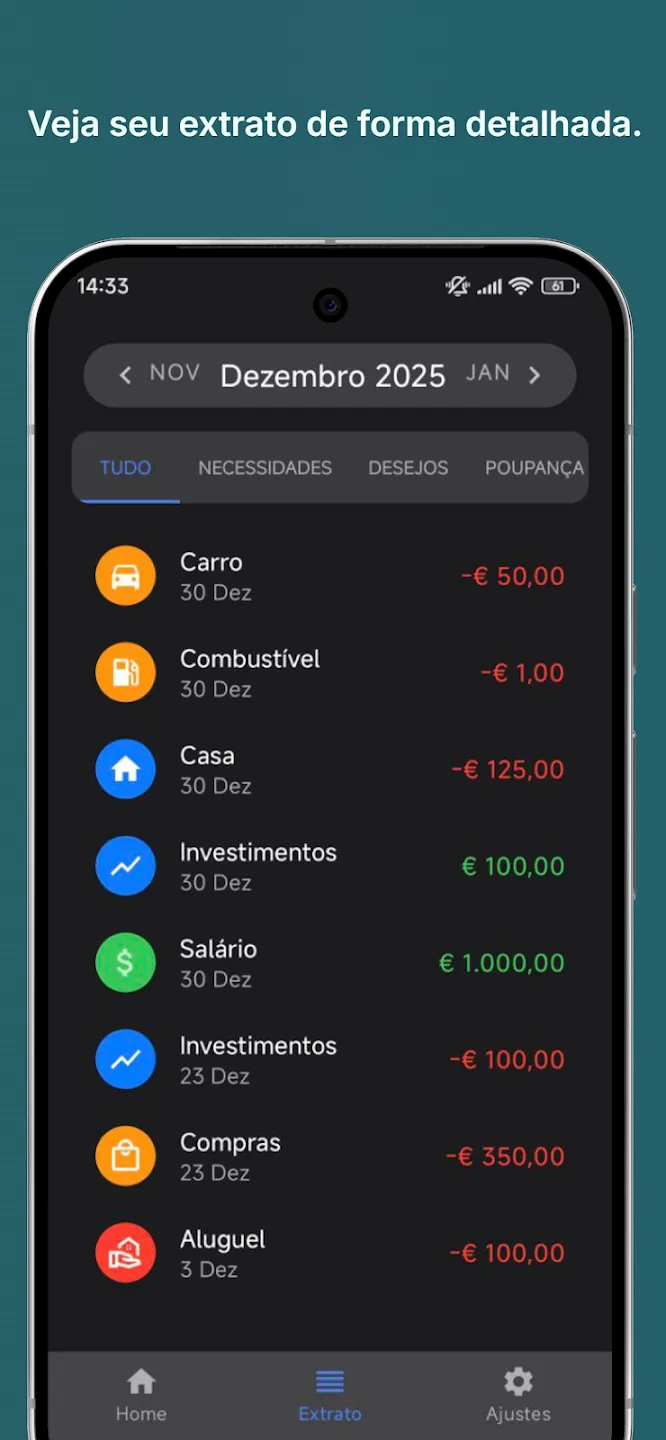
04See your statement in detail 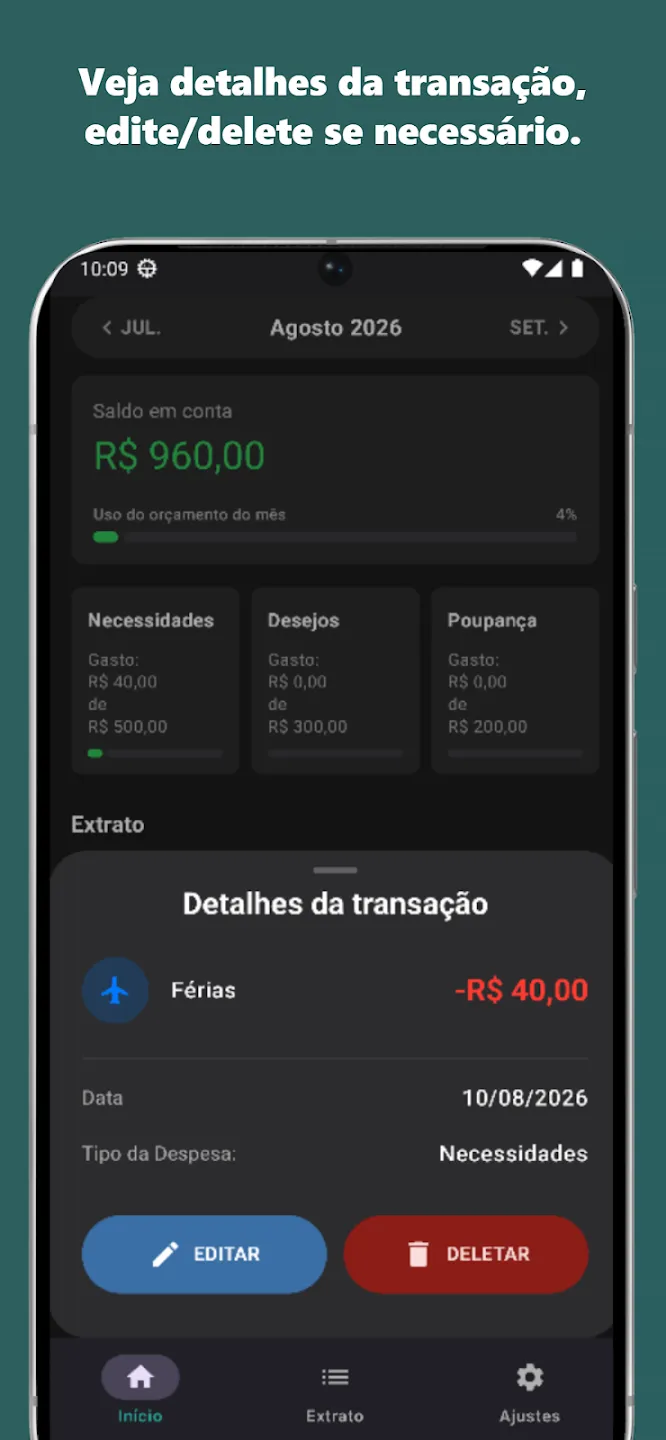
05Green, orange, red: see your status at a glance 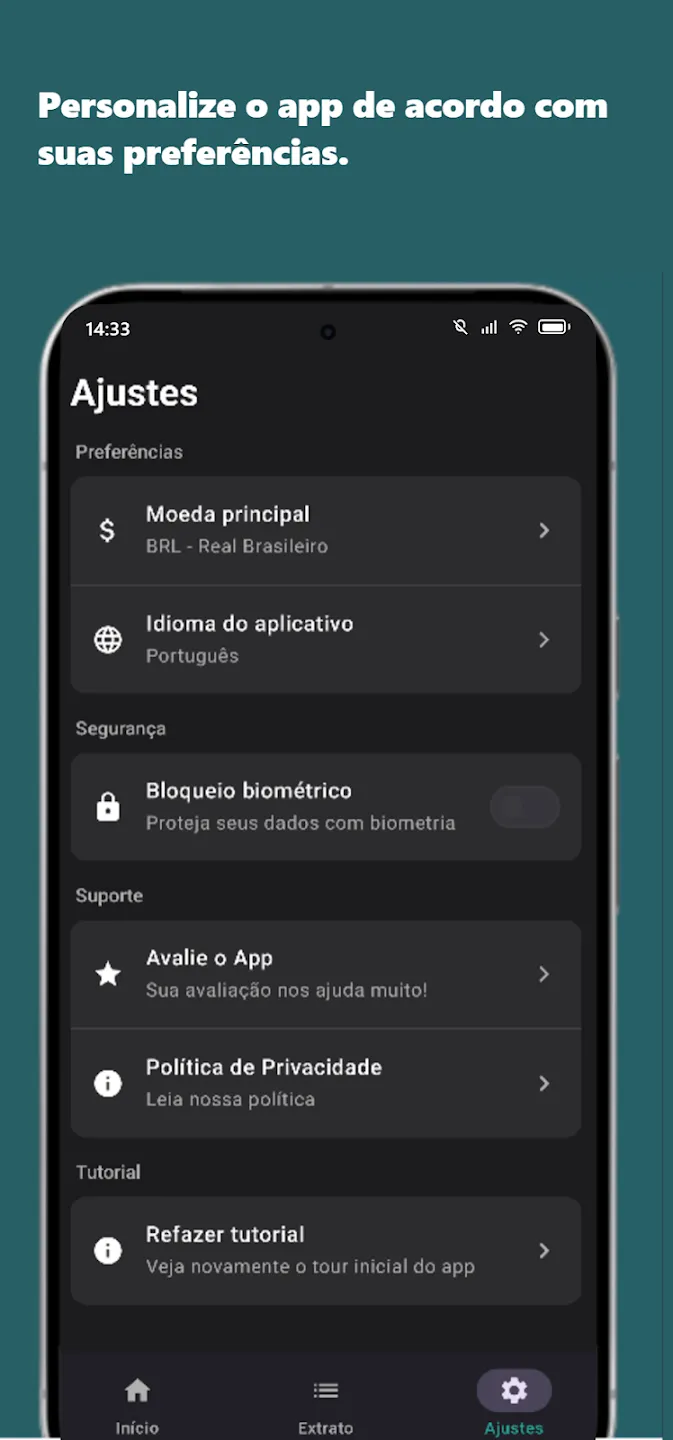
06Currency, language, and biometric lock, your way
THE METHOD
How the 50/30/20 rule works
Needs
Rent, household bills, groceries, transportation, and everything essential.
Wants
Restaurants, leisure, shopping and subscriptions: not mandatory, but they improve your quality of life.
Savings & Investments
Emergency fund, goals, and the habit of investing in your future.
Secure
No data shared with third parties. Encryption in transit. Data deletion under the user's control.
USING AN IPHONE?
The iPhone version is on its way
We're working on a version of 50/30/20 that runs right in your iPhone's browser, no App Store needed. Leave your email in the form to be notified as soon as it's ready.
